+86 13012999975
- English
- Chinese
- French
- German
- Portuguese
- Spanish
- Russian
- Japanese
- Korean
- Arabic
- Irish
- Greek
- Turkish
- Italian
- Danish
- Romanian
- Indonesian
- Czech
- Afrikaans
- Swedish
- Polish
- Basque
- Catalan
- Esperanto
- Hindi
- Lao
- Albanian
- Amharic
- Armenian
- Azerbaijani
- Belarusian
- Bengali
- Bosnian
- Bulgarian
- Cebuano
- Chichewa
- Corsican
- Croatian
- Dutch
- Estonian
- Filipino
- Finnish
- Frisian
- Galician
- Georgian
- Gujarati
- Hausa
- Hawaiian
- Hebrew
- Hmong
- Hungarian
- Icelandic
- Igbo
- Javanese
- Kannada
- Kazakh
- Khmer
- Kurdish
- Kyrgyz
- Latin
- Latvian
- Lithuanian
- Luxembou..
- Macedonian
- Malagasy
- Malay
- Malayalam
- Maltese
- Maori
- Marathi
- Mongolian
- Burmese
- Nepali
- Norwegian
- Pashto
- Persian
- Punjabi
- Serbian
- Sesotho
- Sinhala
- Slovak
- Slovenian
- Somali
- Samoan
- Scots Gaelic
- Shona
- Sindhi
- Sundanese
- Swahili
- Tajik
- Tamil
- Telugu
- Thai
- Ukrainian
- Urdu
- Uzbek
- Vietnamese
- Welsh
- Xhosa
- Yiddish
- Yoruba
- Zulu
- Kinyarwanda
- Tatar
- Oriya
- Turkmen
- Uyghur

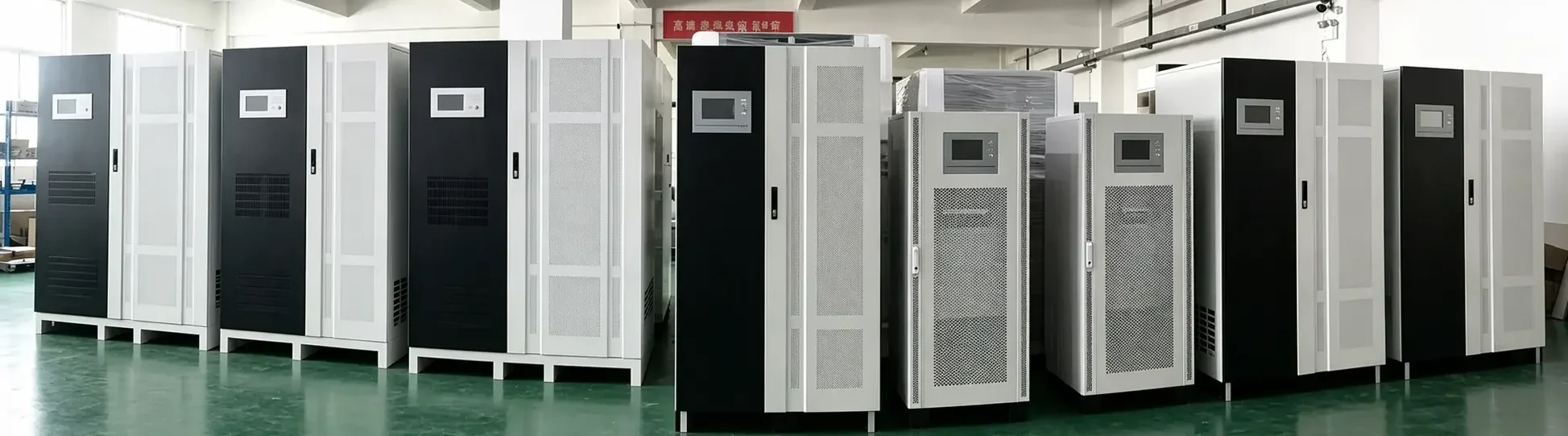
What Is the Best UPS System for Home Use?
2026-10-19
The best UPS system for home use depends on what you need to protect. A home office computer, Wi-Fi router, security camera system, entertainment setup, or small home server may have very different power requirements.
Rather than choosing the highest-capacity model, homeowners should select an UPS system based on total load, desired backup runtime, power quality, available space, noise level, and battery maintenance needs. For most homes, a properly sized line-interactive UPS offers a practical balance of protection, affordability, and ease of use.
What Is a Home UPS System?
A home UPS system is an uninterruptible power supply designed to keep selected electronic devices operating when utility power fails or becomes unstable.
It stores energy in batteries and automatically provides backup power during an outage. Depending on the UPS type, it may also help manage voltage fluctuations, surges, and brief power interruptions.
A UPS is especially useful for devices that should not shut down suddenly, including:
- Desktop computers and monitors
- Wi-Fi routers and modems
- Home office equipment
- NAS storage and small home servers
- Security cameras and access-control systems
- Smart-home hubs
- Gaming consoles
- Televisions and entertainment systems
- Medical-support equipment where approved by the equipment manufacturer and supported by a suitable professional power plan
Is There One Best UPS System for Every Home?
No. The best UPS system for home use is the one that fits the specific equipment and backup needs of the household.
For example, a small UPS for a router may only need a modest capacity and several minutes of runtime. A home office with a computer, monitor, router, and external storage may require more capacity. A security system or home server may need longer backup time and monitoring features.
The correct choice starts with understanding the load rather than selecting a product based only on its VA rating.
Which UPS Type Is Best for Home Use?
There are three main UPS types. Each serves a different level of home power-protection need.
Standby UPS: Suitable for Basic Home Devices
A standby UPS normally supplies utility power to connected equipment and switches to battery power when an outage occurs.
It can be suitable for:
- Routers and modems
- Basic desktop computers
- Small electronics
- Simple point-of-use backup needs
This type is usually compact and economical. However, it may provide fewer voltage-regulation features than other UPS designs.
Line-Interactive UPS: Best for Many Home Offices
For many households, a line-interactive UPS system is often the most practical option. It can help correct moderate voltage fluctuations without immediately switching to battery power.
It is commonly used for:
- Home office computers
- Monitors and printers
- Wi-Fi and networking devices
- NAS systems
- Security equipment
- Small entertainment systems
Line-interactive models can offer a useful balance between cost, protection, and battery efficiency.
Online UPS: Best for Sensitive or Critical Home Equipment
An online double-conversion UPS continuously supplies output power through its inverter. This can provide more consistent output for sensitive loads or locations with frequent power-quality problems.
An online UPS may be worth considering for:
- Advanced home servers
- High-value networking equipment
- Sensitive electronics
- Dedicated home-studio equipment
- Critical monitoring systems
However, online models can cost more and may produce more operating noise or heat. They should be selected when the added protection is justified by the application.
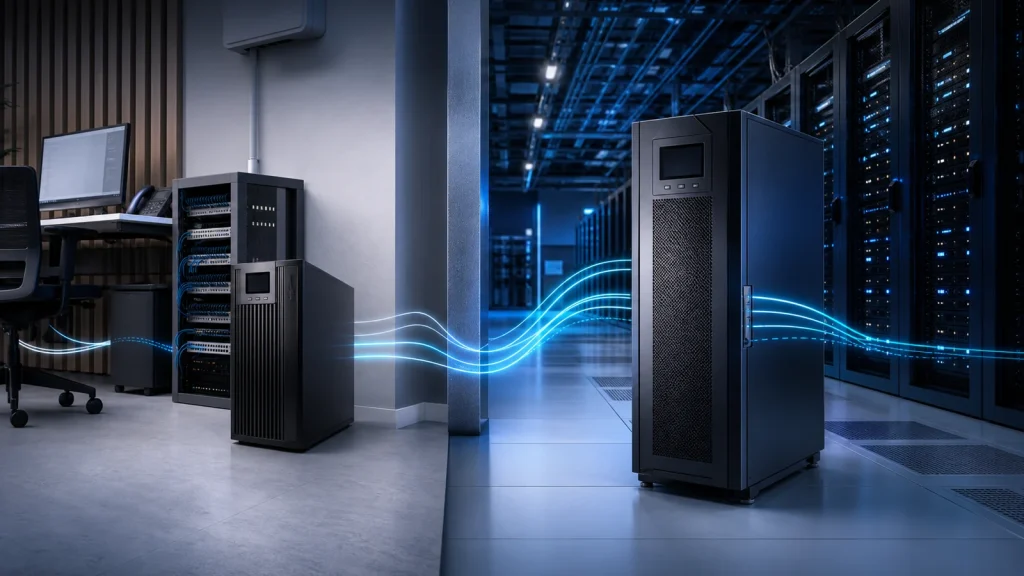
How Much UPS Capacity Does a Home Need?
UPS capacity is typically shown in VA and watts. Both values are important.
Start by listing every device that will connect to the UPS, then identify each device’s actual or rated power consumption. Add the wattage together and allow reasonable extra capacity for power peaks, future devices, and reliable operation.
For example:
| Home Application | Typical UPS Consideration |
|---|---|
| Router and modem | Compact UPS with suitable runtime for networking equipment |
| Basic desktop computer | UPS sized for the computer, monitor, and essential accessories |
| Home office setup | Capacity for computer, monitors, router, storage, and controlled shutdown |
| Home security system | Stable backup for cameras, recorder, router, and supporting equipment |
| Home server or NAS | Sufficient capacity, monitoring features, and safe-shutdown compatibility |
| Entertainment system | UPS selected for compatible loads and the desired shutdown or viewing time |
Avoid running an UPS system continuously at its maximum rated load. A capacity margin can support more stable operation and make later expansion easier.
How Much Runtime Do You Need?
Runtime is the length of time a UPS can operate after utility power fails. It is influenced by:
- Connected load
- Battery capacity
- Battery age and condition
- UPS efficiency
- Ambient temperature
- Number of batteries or external battery packs
For many home office users, the goal is not to work for hours during an outage. The goal is to save files, close applications safely, and keep the internet connection active long enough to complete important tasks.
For routers, cameras, home servers, or security systems, longer runtime may be more important. If extended backup is required, consider a solution designed for larger battery capacity or integration with a properly planned generator or home energy system.
Important Features to Look For in a Home UPS System
When comparing options, look beyond the headline capacity number.
Automatic Voltage Regulation
Automatic voltage regulation can help manage certain low- or high-voltage conditions without relying on battery power. This can be valuable in areas with unstable utility voltage.
Pure Sine Wave Output
Some sensitive electronics and power supplies may operate better with a pure sine wave output. This can be an important consideration for certain computers, networking devices, audio equipment, and systems using active power-factor-correction power supplies.
Always confirm compatibility with the equipment manufacturer’s requirements.
Battery Replacement and Maintenance
Batteries are a critical part of any UPS system. Check whether batteries are user-replaceable, how accessible they are, and what maintenance or replacement plan is appropriate.
Battery performance changes over time, especially in hot environments or during frequent discharge cycles.
Audible Alarm and Display
A clear display and alarm system can help homeowners identify battery mode, overload conditions, low battery warnings, and faults before they become larger problems.
USB or Network Monitoring
For a home office, NAS, or server, monitoring connectivity can support automatic file saving and orderly system shutdown during an extended outage.
Outlet Layout and Physical Size
Check the number and type of outlets, plug orientation, cable length, tower or rack form factor, and installation space. A UPS should fit the room safely without blocking airflow or creating cable hazards.
Should You Use a UPS for a Refrigerator or Air Conditioner?
In most homes, standard small UPS units are not suitable for high-power appliances such as refrigerators, air conditioners, washing machines, heaters, or electric cooking equipment.
These appliances may have high startup current and can exceed the capacity of a typical home UPS system. Larger backup-power solutions require dedicated electrical design, correct protection devices, and professional installation.
A UPS is generally best used for critical electronics and low-to-moderate-power equipment rather than whole-home heavy appliances.
Home UPS Maintenance Tips
A well-maintained UPS is more likely to provide useful backup power when it is needed.
- Keep the UPS in a cool, dry, ventilated location.
- Do not block cooling vents.
- Avoid overloading the unit.
- Check alarm messages and battery indicators regularly.
- Test backup operation according to the product guidance.
- Replace batteries when their performance declines or when recommended by the service schedule.
- Review the connected load after adding new equipment.
- Use qualified technical support for electrical issues, critical systems, or larger backup-power installations.
Conclusion
The best UPS system for home use is one that matches your actual devices and the level of protection you need. For a router, computer, home office, or security system, the right UPS can help prevent data loss, reduce interruption, and provide valuable time during a power outage.
For many households, a line-interactive UPS system with appropriate capacity, battery runtime, and voltage regulation is a strong starting point. For highly sensitive or more critical equipment, an online UPS may be a better fit.
Need help selecting an UPS system for your home office, network, security equipment, or other application? Contact our UPS specialists.
FAQ
What size UPS system is best for a home computer?
The right size depends on the combined wattage of the computer, monitor, router, and other connected devices. Calculate the expected load, then select a UPS with suitable watt capacity and a reasonable margin for safe operation.
Can a UPS keep Wi-Fi running during a power outage?
Yes. If the router, modem, and any required network equipment are connected to a properly sized UPS, they can continue running for as long as the available battery runtime allows.
Is a line-interactive UPS good for home use?
Yes. A line-interactive UPS is often a suitable choice for home offices, routers, NAS devices, security systems, and other common household electronics because it can provide battery backup and voltage regulation.
How often should a home UPS battery be replaced?
Battery life varies based on battery type, temperature, charging conditions, usage, and maintenance. Review battery status regularly and replace batteries when runtime declines or the UPS indicates that replacement is needed.